Table of Contents
Listen, download and backup of call recordings
In asterCC commercial call center system, all agent calls are being recorded, the recording directly saved on the server, the system services without additional recording equipment.
Listen, export of the call recordings
- Different business module also provides a corresponding call records, due to different tasks using different call history table here to find a quicker and more convenient such as campaign → cdrs, virtual_office → cdrs, customer_service → cdrs
- If it is called in a campaign, campaign → quality_control is more commonly used to listen to the recording
- The system can also control if agents could have permission to view their call records and recordings
- These pages are available individually or batch download function conditional


Dowload call recordings
- After requesting a recording export, user could go to call_center → shell_exports, when system finish tar all the recording files, user could download the tar file online
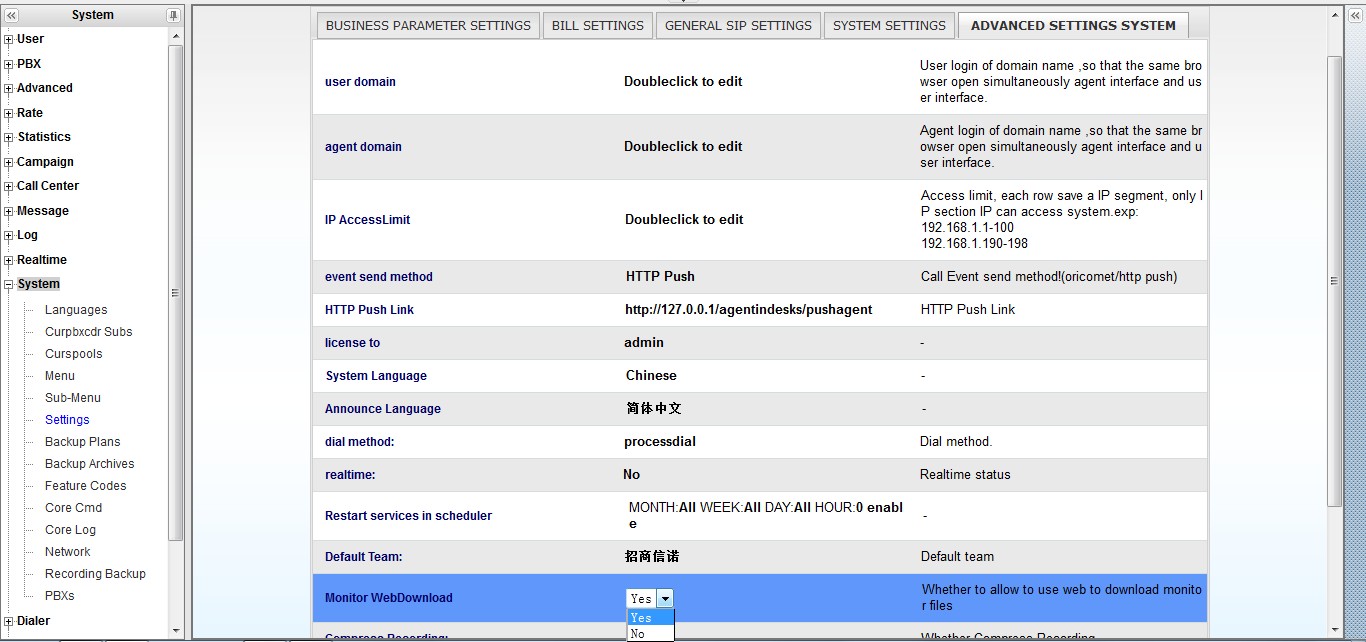
- For security, administrator could also disable online download feature.

Backup of the recordings
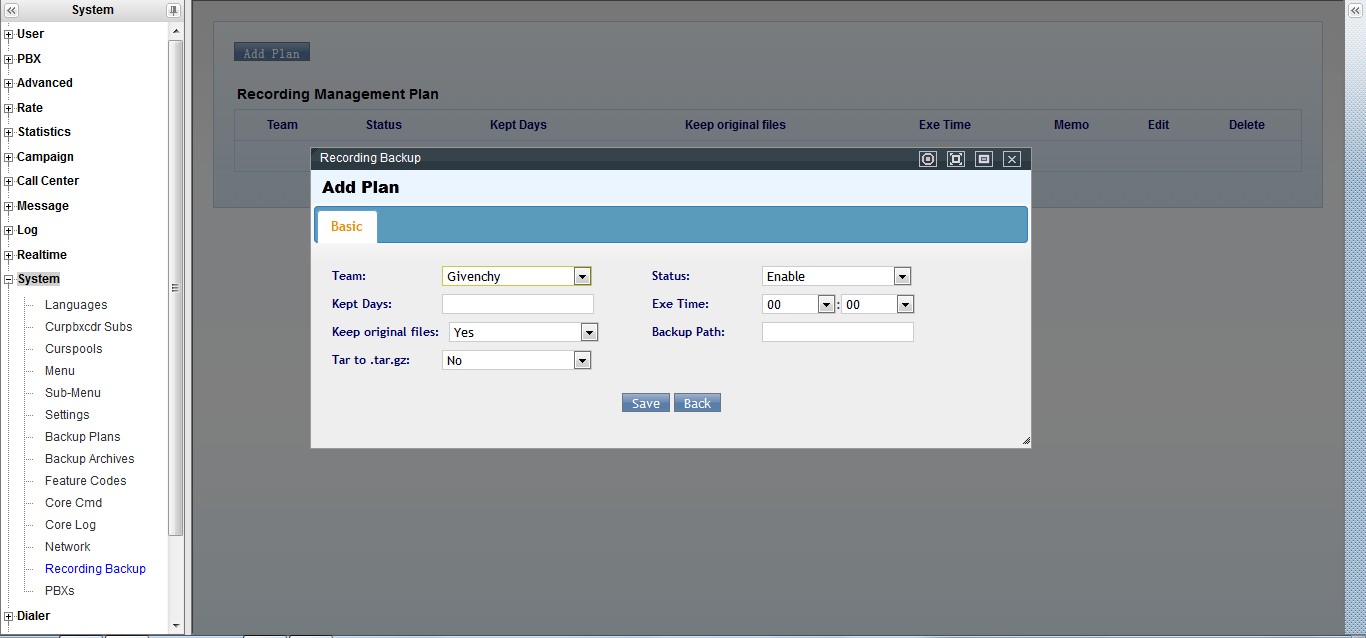
- System supports automatic recording backup, go to system → recording_backup, administrator could set the execution time and the saving path of the recording backup plan.